Praktika – AI Language Tutor
- 4.6
- Rating
- 10.00M
- Installs
- Free
- Price

 Analysis by App-foxy
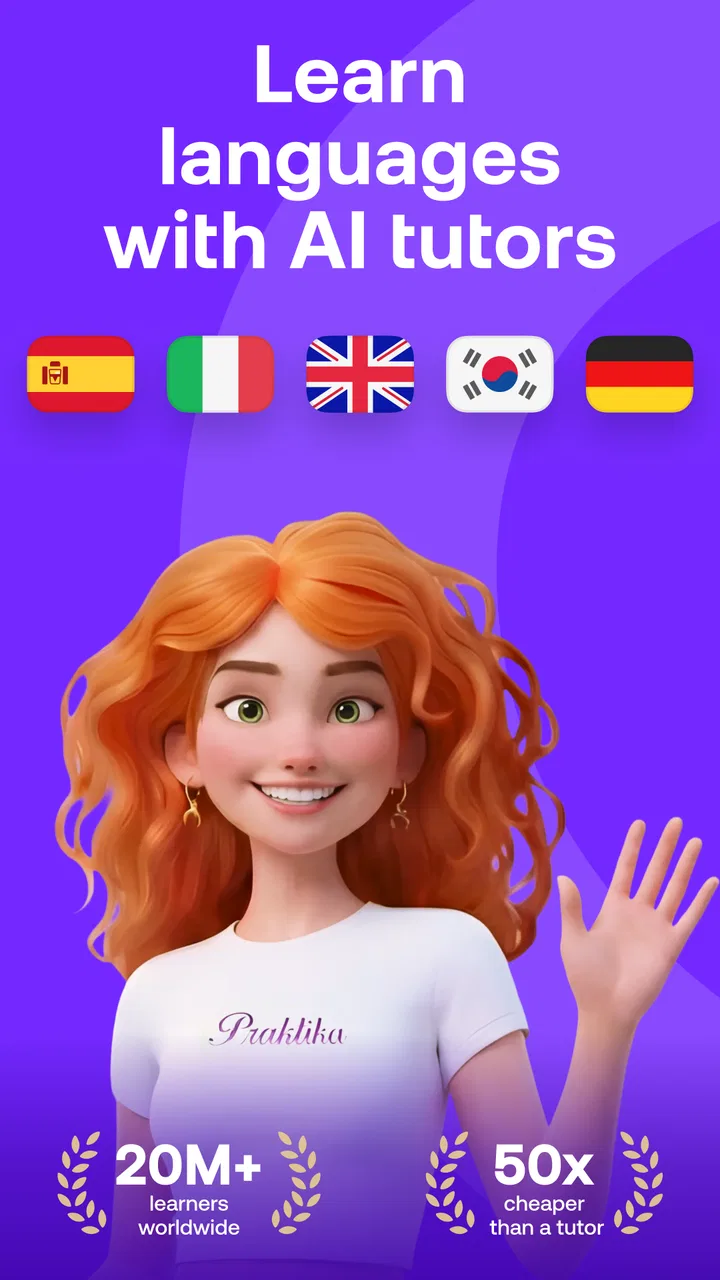
Learning a language is easy to start and surprisingly difficult to keep doing. I have tried plenty of apps that make the first few lessons feel pleasant, then leave me with little confidence when I need to speak. Praktika takes a more conversation-focused route. It is an education app from Praktika.ai Company that presents itself as an AI language tutor, and in my experience its main appeal is the chance to practise speaking without waiting for a classmate, teacher, or language exchange partner to be available.
That difference matters. Traditional vocabulary apps are excellent for building a habit and recognising words, while a live tutor can provide richer correction and cultural context. Praktika sits between those options. It gives me a low-pressure place to form sentences, respond aloud, and notice where I hesitate. I would not treat it as a complete replacement for structured study or a human teacher, but I can see why it has become popular: the app has passed ten million installs and holds a 4.7 average from around 1.1 million ratings.
How the AI tutor feels in everyday use
The most useful way to approach Praktika is not as a passive course. I get more from it when I open the app with a small speaking goal, such as practising introductions, describing my work, or preparing for a holiday conversation. The interaction feels more relevant when I answer in my own words instead of trying to remember a fixed phrase from a multiple-choice exercise.
You May Also Like

 Blood Strike: 2.5 Anniversary
Blood Strike’s Loadouts Turn Every Drop Into a Tactical Gamble
A close look at Blood Strike’s custom loadouts: how fast access to signature weapons reshapes its battle royale rhythm, rewards preparation, and narrows the gap between fights.

 Pandora - Music & Podcasts
Pandora’s Music Is Easy to Start, but Harder to Recover
Pandora’s strength is its low-effort path from a seed to a station. Its weak spot is how much confidence it asks you to place in connection, setup, and quiet recovery.

 8 Ball Pool
 Is Built on Rivalries, Rematches, and Routine
A close look at the rivalries, rematches, shared routines, and unanswered safety questions that turn a quick pool match into a persistent mobile community.

 Samsung Music
’s Quiet Strength Is Playing What You Already Own
Its reach comes less from spectacle than from dependable access to a personal library. That simplicity is both the app’s strongest retention engine and its ceiling.

 AccuWeather: Weather Radar
AccuWeather Review: A Quick, Clear Forecast for Everyday Decisions
For everyday plans, the best forecast is the one you can understand quickly. AccuWeather makes rain timing, radar, and local conditions easy to act on, with a few trade-offs.

 Hill Climb Racing
Why Hill Climb Racing Still Turns Crashes Into One More Run
A tiny car, a bumpy hill and one more upgrade: Hill Climb Racing keeps resurfacing because its simple chaos makes every near-miss feel personal.
More From Our News Desk
View All News


That makes it particularly suitable for learners who understand more than they can say. I often know the grammar of a sentence but still pause when speaking. An AI conversation gives me room to make that mistake privately. There is no embarrassment, no need to apologise for being slow, and no pressure to keep a conversation moving for another person. For beginners, that can make the first attempts at speaking feel much less intimidating.
The app is free to download and is rated for Everyone, so it is approachable for a broad audience. It runs on Android with a minimum requirement of version 8.0, which means many older phones can use it. The current version is 4.6.1. I still recommend checking the experience on your own device before committing to a serious study routine, because speech practice depends heavily on a usable microphone, a quiet enough environment, and a connection that does not interrupt the exchange.
One practical scenario shows where it fits well. Imagine I have a trip coming up and want to practise ordering food, asking for directions, and explaining a dietary preference. Instead of spending a week only memorising lists, I can use short sessions to rehearse the complete interaction. I can deliberately answer badly, try again, and focus on being understood. That workflow is more valuable than simply collecting another set of recognised words.
Speaking practice is the strongest reason to try it
Many language apps reward tapping the correct answer. Praktika is more useful when I treat it as a rehearsal space. I can say a sentence, listen to how the exchange develops, and identify the point where I run out of vocabulary. That reveals a different problem from a quiz error: perhaps I know the word when I see it but cannot retrieve it quickly enough in conversation.
My advice is to keep the first sessions narrow. Choose one situation and repeat it with small changes. For example, practise introducing yourself three times, changing your job, hometown, or reason for learning. This exposes whether I am memorising one perfect response or actually learning a flexible pattern. It is a simple technique, but it turns an AI chat into a more deliberate speaking drill.
Another useful habit is to pause after a conversation and write down only the expressions I genuinely wanted but could not produce. I would not copy every unfamiliar word. That creates a long list with little connection to my needs. A short personal list is easier to review and gives the next session a clear purpose.
The trade-off is that an AI tutor can keep a conversation going without fully understanding what a human listener would find natural. A response may be grammatically acceptable while still sounding too formal, too literal, or slightly unnatural in a particular social setting. I therefore use the app to build confidence and fluency, not as the final authority on every regional expression.
What the free starting point does and does not promise
Praktika is listed as free, but it also includes in-app purchases ranging from $1.99 to $199.99 per item. That is important for anyone who wants to use it regularly. I would begin with the free experience and decide whether the conversation practice genuinely changes my study routine before paying for anything. The presence of a free entry point makes testing easier, but it does not mean every useful part of a long-term plan will necessarily remain free.
I also prefer to make the purchase decision based on frequency rather than excitement. If I open the app twice, enjoy the novelty, and then stop, a paid upgrade will not solve the real problem. If I am using short speaking sessions several times a week and the available access fits my goals, payment may be easier to justify. The broad purchase range means I would read each offer carefully rather than assuming that one price represents the whole experience.
This is also where Praktika differs from a conventional textbook app. A textbook gives me a predictable sequence and a clear sense of what I have covered. An AI tutor is more flexible, but flexibility can become unfocused. I need to bring my own structure: a weekly theme, a small set of phrases, and a reason to speak. Without that, it is easy to have pleasant conversations without building balanced progress in grammar, reading, listening, and writing.
Trust, controls, and moments that deserve attention
Because Praktika is built around conversation with an AI tutor, I would think about privacy before treating it like a personal diary. Anything I choose to say in a language exercise should be limited to what is needed for practice. I would use a fictional workplace, avoid real passwords or financial details, and keep sensitive family or health information out of casual role-play. This is not a criticism unique to Praktika; it is a sensible boundary whenever an app receives spoken or typed personal content.
The safest approach is to make user choice part of the routine. Before starting, I would check what the app asks me to allow, review any account or privacy controls that are visible on my device, and avoid granting access that is not necessary for the way I intend to study. If I use microphone-based practice, I would pay particular attention to the microphone permission and revoke it when I no longer want voice interaction. Android provides system-level controls for this, which gives me a useful layer of control independent of the app itself.
I would also review purchase controls before allowing a younger family member to use the app. The Everyone age rating makes the app broadly accessible, but it does not remove the need for household supervision around account access and in-app purchases. A parent or guardian should know which account is signed in, how purchases are approved, and whether the device can complete a transaction without an additional confirmation.
Account control matters for another reason: a language-learning history can reveal routines, interests, travel plans, or personal goals. I would use a separate sign-in where practical, choose a strong password if an account is required, and avoid reusing credentials from banking, work, or email services. If the app offers visible options for managing an account or deleting information, I would read those screens before building a long learning history. I do not see a reason to provide more personal information than the learning task requires.
These checks do not make the app difficult to use. They simply keep the convenience of an AI conversation from turning into automatic oversharing. I especially recommend them to people who practise by discussing real work situations. Replacing a company name with a fictional one and describing a general role is usually enough to preserve the speaking exercise without exposing confidential material.
Where user agency makes the experience better
The app works best when I decide what success means for a session. If I want pronunciation confidence, I speak more and keep the topic simple. If I need travel preparation, I repeat practical scenarios. If I am trying to become more spontaneous, I avoid reading a script. The AI format gives me room to adjust the difficulty, but it does not automatically choose the right learning objective for me.
I would use a three-part session. First, I warm up with familiar sentences so I can get my voice moving. Next, I attempt a conversation where I deliberately include new phrases. Finally, I repeat the hardest exchange without looking at notes. This makes the app more than a stream of chat responses and helps me see whether a phrase has become usable rather than merely recognisable.
There is also value in stopping early. A long session can feel productive because the conversation continues, but tired answers are not always good practice. Short, focused use is easier to repeat and makes it simpler to compare my confidence from one session to the next. I would rather finish with one clear improvement than spend a long period jumping between unrelated topics.
For learners who dislike speaking aloud, the app may feel uncomfortable at first. That discomfort is partly the point, but it can still be a genuine barrier. Someone who mainly wants spelling, grammar explanations, or silent vocabulary review may be happier with a more traditional course. Likewise, students preparing for a formal exam should pair Praktika with exam-specific reading, writing, timing, and marking practice rather than relying on open conversation alone.
Human instruction remains the better choice when I need precise correction, detailed explanations of grammar, or advice about a sensitive cultural situation. A teacher can ask why I chose a phrase, recognise confusion that I cannot explain, and adapt to a long-term academic or professional target. Praktika is more convenient for frequent low-pressure rehearsal, but convenience is not the same as expert diagnosis.
Who will get the most from Praktika
I would recommend it most strongly to learners who already know some basic words and want to become quicker at using them. It is also a good fit for people who have irregular schedules, feel nervous speaking with strangers, or want extra practice between lessons. The ability to practise privately can be especially helpful before a trip, an interview, or a social event where the learner wants to avoid freezing on simple questions.
Complete beginners can still try it, but I would pair it with a structured foundation. When I do not know enough basic vocabulary to understand the exchange, an open conversation can become a sequence of guesses. A beginner-friendly course, phrasebook, or teacher can provide the initial framework; Praktika can then help turn that framework into spoken ability.
I would skip it if my main goal is a carefully sequenced curriculum with measurable academic milestones. I would also look elsewhere if I want extensive handwriting practice, deep grammar lessons, or a guaranteed human conversation partner. The app’s strength is interactive rehearsal, and it is less convincing when judged as an all-in-one language education system.
My overall view is positive but deliberately cautious. Praktika makes speaking practice easier to fit into ordinary life, and that is a meaningful advantage over apps that keep me answering questions silently. Its AI format lowers the social cost of making mistakes, while its flexible conversations can expose gaps that flashcards hide. The experience becomes much stronger when I arrive with a specific scenario and leave with a small set of phrases to review.
At the same time, I would keep personal information out of improvised conversations, inspect visible permissions and account choices, and supervise purchases on shared devices. I would also combine it with listening, reading, writing, and human feedback when accuracy matters. The best way to use Praktika is as a private speaking gym, not as the entire language-learning plan.
For a free education app from Praktika.ai Company, it offers a useful entry into regular conversation practice, and the large user base suggests that the format resonates with many learners. I would install it for a focused trial, set a realistic weekly routine, and judge it by one question: am I becoming more willing and able to speak? If the answer is yes, it deserves a place alongside my other study tools. If I only enjoy chatting without retaining anything, a more structured alternative would be the better choice.
FAQs for Praktika – AI Language Tutor
01What is Praktika – AI Language Tutor?
Praktika – AI Language Tutor is an innovative app designed to help users improve their language skills using AI technology. It offers interactive lessons, real-time feedback, and personalized learning paths. The app supports multiple languages, making it a versatile tool for both beginners and advanced learners.
02How does Praktika ensure effective language learning?
Praktika uses AI to tailor lessons to individual learning styles, providing personalized feedback and adapting to user progress. It includes interactive exercises and real-life conversation simulations to enhance speaking, listening, and comprehension skills. The app’s adaptive learning paths ensure users engage with material best suited to their current level.
03Is Praktika suitable for beginners?
Yes, Praktika is suitable for learners at all levels, including beginners. It provides foundational lessons that cover basic vocabulary and grammar, along with interactive exercises that build confidence. The AI adapts to your pace, ensuring a comfortable learning environment as you progress from basic to more advanced topics.
04What languages are available on Praktika?
Praktika offers a variety of languages, including popular ones like English, Spanish, French, and Mandarin. The app is continuously expanding its library to include more languages, catering to diverse learning needs. Each language course is crafted to cover essential skills, ensuring a comprehensive learning experience.
05Does Praktika require an internet connection to function?
Praktika requires an internet connection for initial downloads and certain features, such as real-time feedback and updates. However, it offers offline access to downloaded lessons, allowing users to continue learning without connectivity. This flexibility is ideal for users who wish to practice on-the-go or in areas with limited internet access.
Pros
- Engaging AI-driven conversations.
- Wide variety of language topics.
- User-friendly interface design.
- Customizable learning pace.
- Real-time feedback and corrections.
Cons
- Requires stable internet connection.
- Limited offline features.
- Free version has ads.
- Some topics are premium only.
- Voice recognition can be inconsistent.

Praktika – AI Language Tutor
Gallery